Order book theme
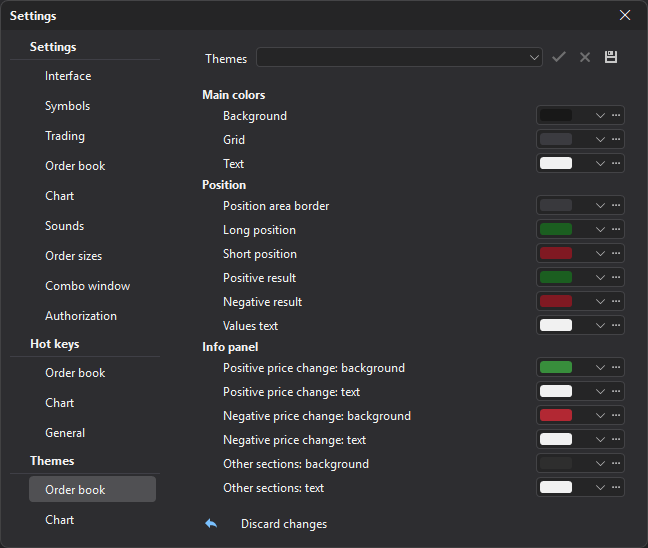
The Themes → Order book section sets the colors of almost all elements of the order book window: background, grid, text, position, info panel, levels, clusters, the tape and the order book itself.
| Group | Description |
|---|---|
| Main colors | Background, grid, text. |
| Position | Position area border, long and short position, positive and negative result, values text. |
| Info panel | Background and text of positive and negative price change and of the other panel sections. |
| Levels | Simple, alert and inactive levels. |
| Cluster | Clusters area border, scroll to end, volume, delta, bid and ask scales, total bar volume and delta, cells, max highlight, rising and falling bar bodies. |
| Tape | The tape area: buy and sell trades, trades line, total bid and ask indicators, horizontal volumes, my trades, ruler, stop loss and take profit markers, max volumes, volume switch. |
| Order book | Order book area borders, buy and sell orders and the best ones, empty prices, volume indicators, large volumes 1 and 2, iceberg, trading limits and auction highlights, cursor marker, position indicators, off-screen buy and sell orders, the order move indicator, limit and stop orders, stop loss and take profit. |
Last updated on