Auction
Before the main trading session opens on MOEX, an auction is held: participants place orders, and the trades on them go through all at once at a single clearing price when the session opens. During the auction you can place limit orders from the order book — for example, to enter a position at the opening price.
This is how the order book looks during the auction:
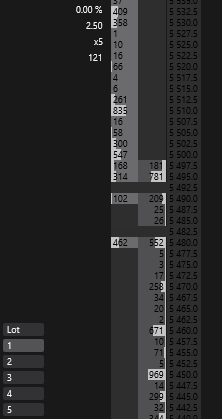
Sell orders (light gray background) are shown on the left side of the order area, buy orders (dark gray background) on the right. The colors are given for the built-in dark order book theme and can be changed in the order book theme.
Placing orders
During the auction, orders are placed with the mouse and with the order book hotkeys.
Buy and sell orders overlap in price during the auction, so the side cannot be told by where you click. Therefore the mouse trading modes in which the side depends on where you click work as Left click: buy, right click: sell:
- a left click on a price places a buy order;
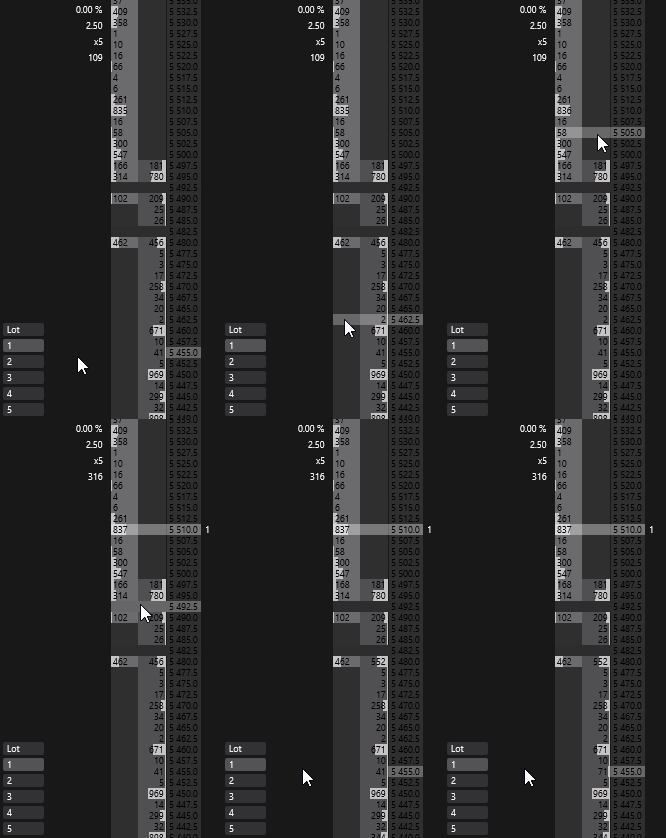
- a right click on a price places a sell order.
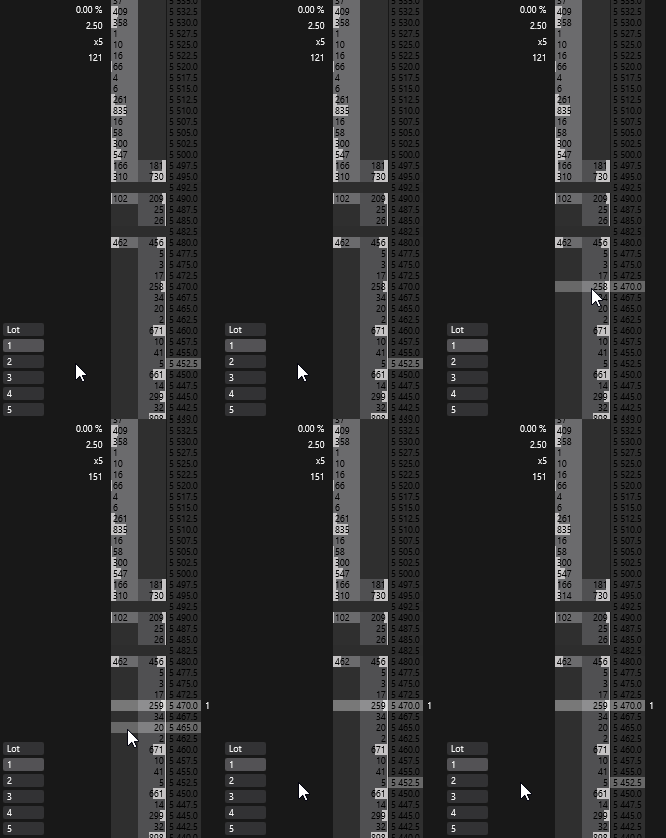
The Off, Left click: buy, right click: sell and Left click: sell, right click: buy modes work as selected during the auction: with Off a click places nothing, with Left click: sell, right click: buy a left click sells and a right click buys.
Canceling orders
You can cancel orders during the auction in one of the following ways:
- double-click the order volume in the orders column — all your window’s orders at this price are canceled;
- with the Cancel all orders hotkey — cancels all orders of the active order book window;
- with the Cancel orders of all connections, except SL/TP hotkey — cancels all orders on all connections, except SL/TP placed on the exchange;
- with the Orders button on the terminal’s main panel — cancels all orders on all connections, except SL/TP placed on the exchange.
Clearing price
During the auction, the order book highlights the expected auction clearing price.
The highlight color is set by the Auction highlight parameter in the order book theme.
As a rule, the clearing price shown in the order book matches the symbol’s opening price after the auction ends, but small discrepancies are possible.