Market data proxy
The market data of each crypto exchange can go through its own proxy, separately from the trading connection. To choose it, click Market data proxy in the Connections window.
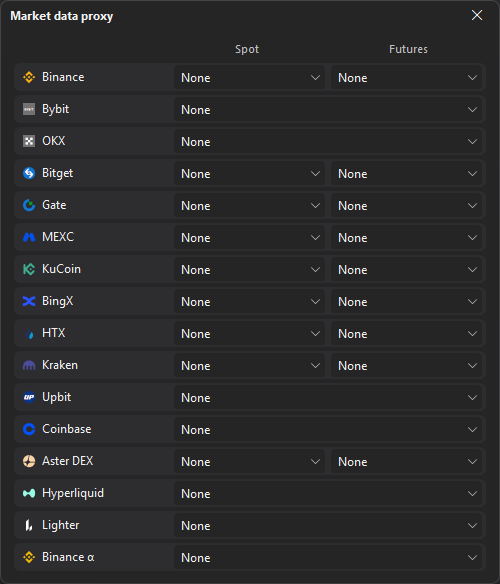
In the Market data proxy window, each crypto exchange has two columns — Spot and Futures: choose a proxy or None for each market data feed. An exchange with a single feed, such as Binance α, has one choice across both columns. Exchanges cleared on the Select exchanges page are grayed out and marked “disabled”.
The proxies come from the list on the Proxy page.
The choice is saved and applied when you close the window, no reconnect needed.
Last updated on