Alert levels
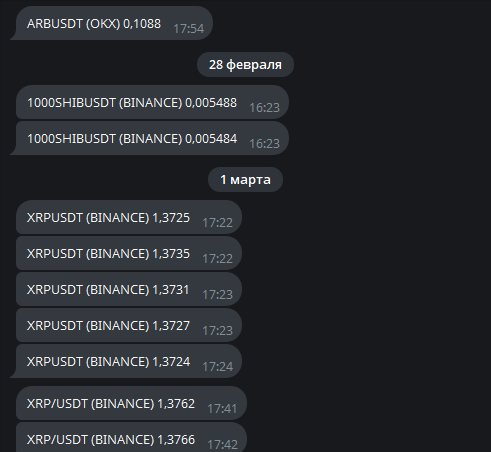
An alert level is a horizontal line on the chart that fires when the symbol’s price reaches it. It saves you from watching the price: put levels at important prices, and the terminal warns you with a sound, while a message is sent to the mobile app and to Telegram.
Levels are stored in the JetScalp cloud and shared by all devices of your account: a level placed in the terminal is visible on another computer and in the mobile app. Levels fire even when the terminal is turned off.
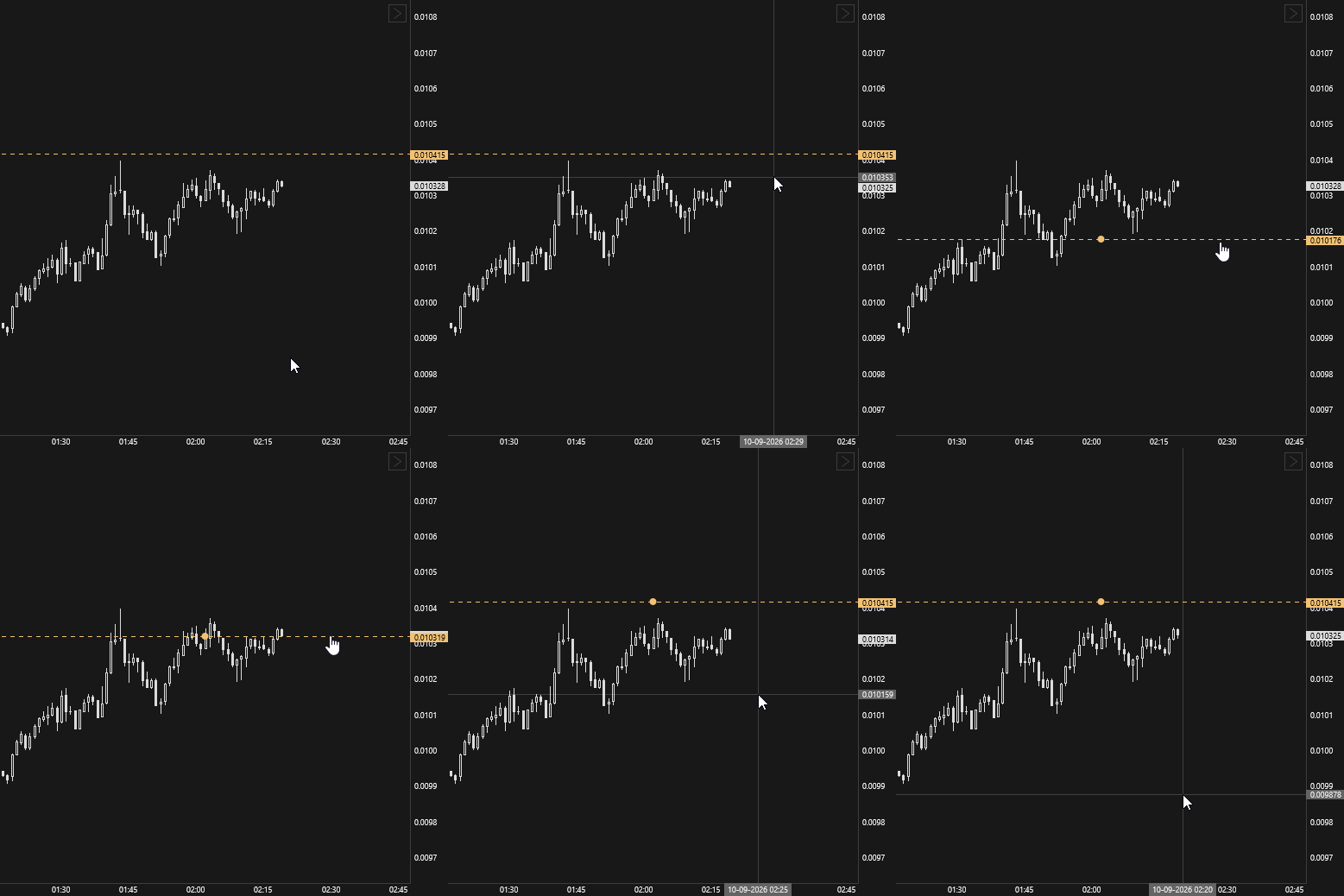
After firing, a level becomes inactive and is shown in a different color. To turn it on again, drag the level with the mouse to the desired price.
You change a level’s color, line width and sound in the alert levels manager. All terminal alerts, including order book levels, are gathered on the Signals page.
Adding a level
Place an alert level in one of these ways:
- move the cursor to the right edge of the price chart area — a button appears next to the price scale; click it, and the level is placed at the price under the cursor;
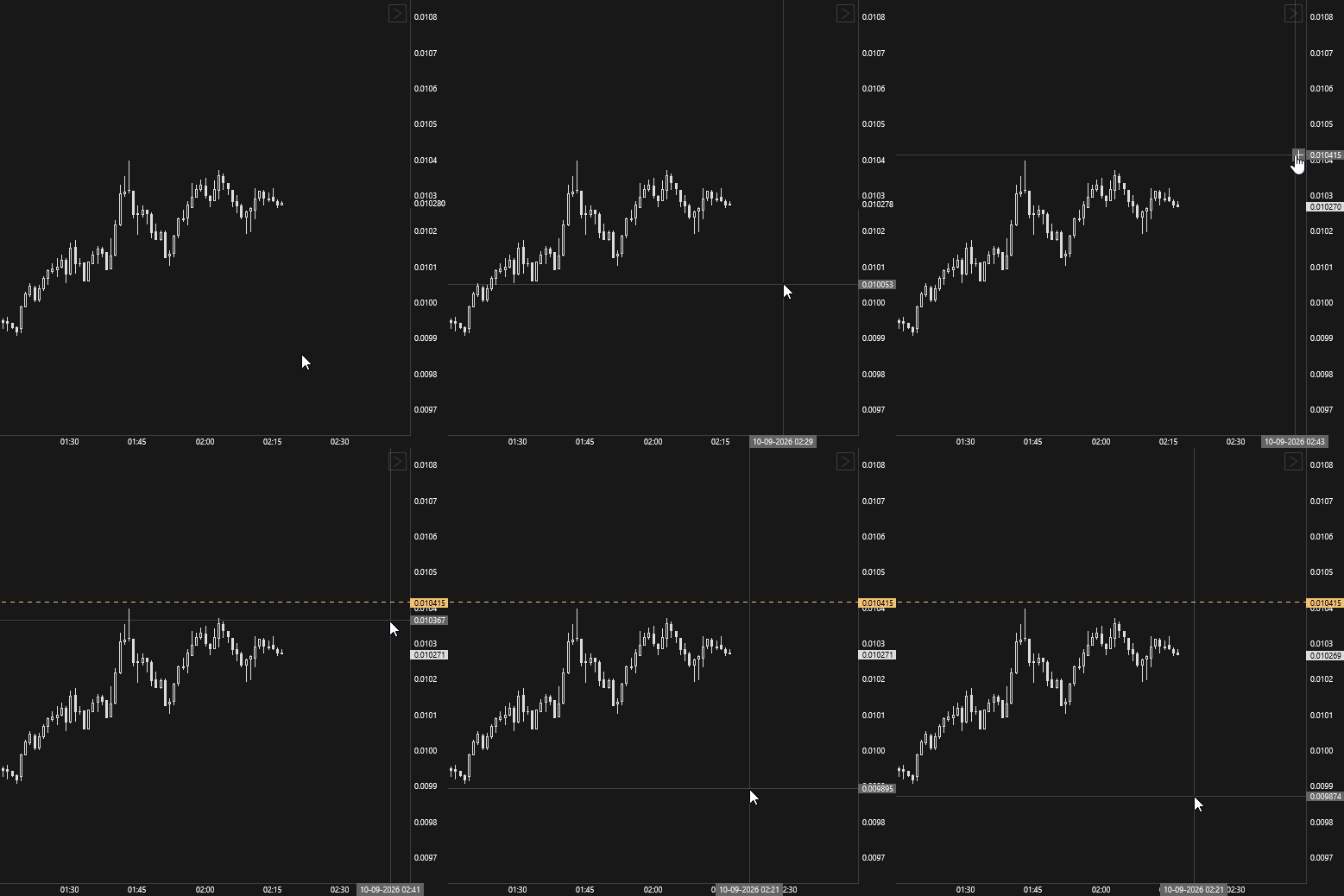
- add a level in the alert levels manager.
Moving a level
To change a level’s price, drag it with the mouse. A moved level becomes active again, even if it has already fired.
Deleting a level
Delete an alert level in one of these ways:
- click the level and press the Delete hotkey — see Chart hotkeys;
- delete the level in the alert levels manager.
To delete all levels of the symbol, right-click the chart area and select Delete alert levels.
Telegram messages
Messages about triggered alert levels can be delivered to Telegram. To get them, link a chat with the JetScalp bot to your account.
Open Settings → App settings → Authorization and click Link. The terminal opens a chat with the JetScalp bot — press Start there. In a few seconds the chat ID appears in the Telegram ID field. You don’t need to look up or enter your ID manually.
Linking, switching to another chat and unlinking are described on the Authorization and Telegram ID page.
Once linked, the bot chat receives messages about triggered alert levels.