Levels
Levels are horizontal lines at prices that matter for your trading: support, resistance, the price of a large order. They keep these prices in view, and an alert level also plays a sound when the price reaches it — so you don’t have to watch the price all the time.
Levels are displayed as lines in the tape area.
Simple and alert levels
Levels are simple or alert levels. Unlike a simple level, an alert level plays a sound when the price reaches it. See Alerts for more on alerts.
Levels are saved per symbol: they are visible in all order books of that symbol.
Setting and removing levels
To set a level, hold down the Set/remove simple level or Set/remove alert level hotkey and click the desired price.
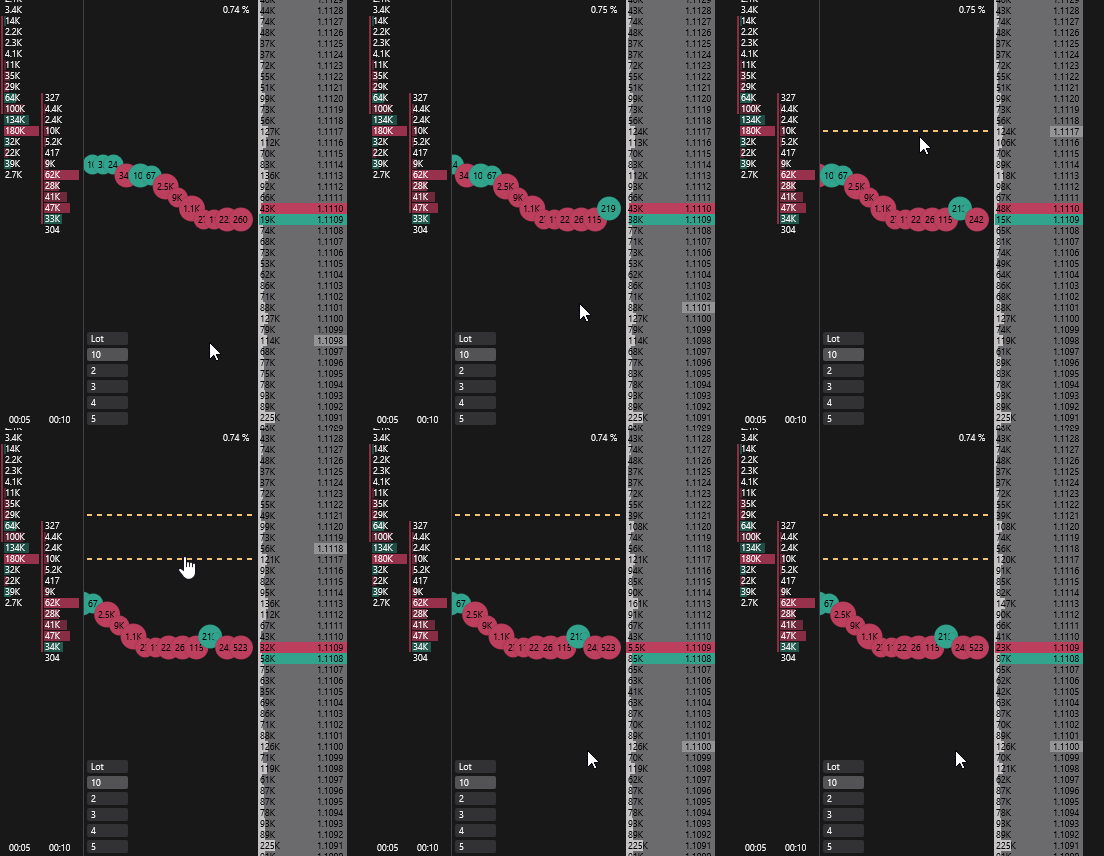
You can also add a level in the level manager.
You can remove a level in one of the following ways:
- with the same hotkey — hold it down and click the level price;
- with the Remove all levels hotkey — removes all simple and alert levels of the symbol;
- in the level manager.
The level keys are not assigned by default — assign them in Order book hotkeys.
Moving levels
Hover over a level line in the tape area, hold down the left mouse button and drag the level to a new price.
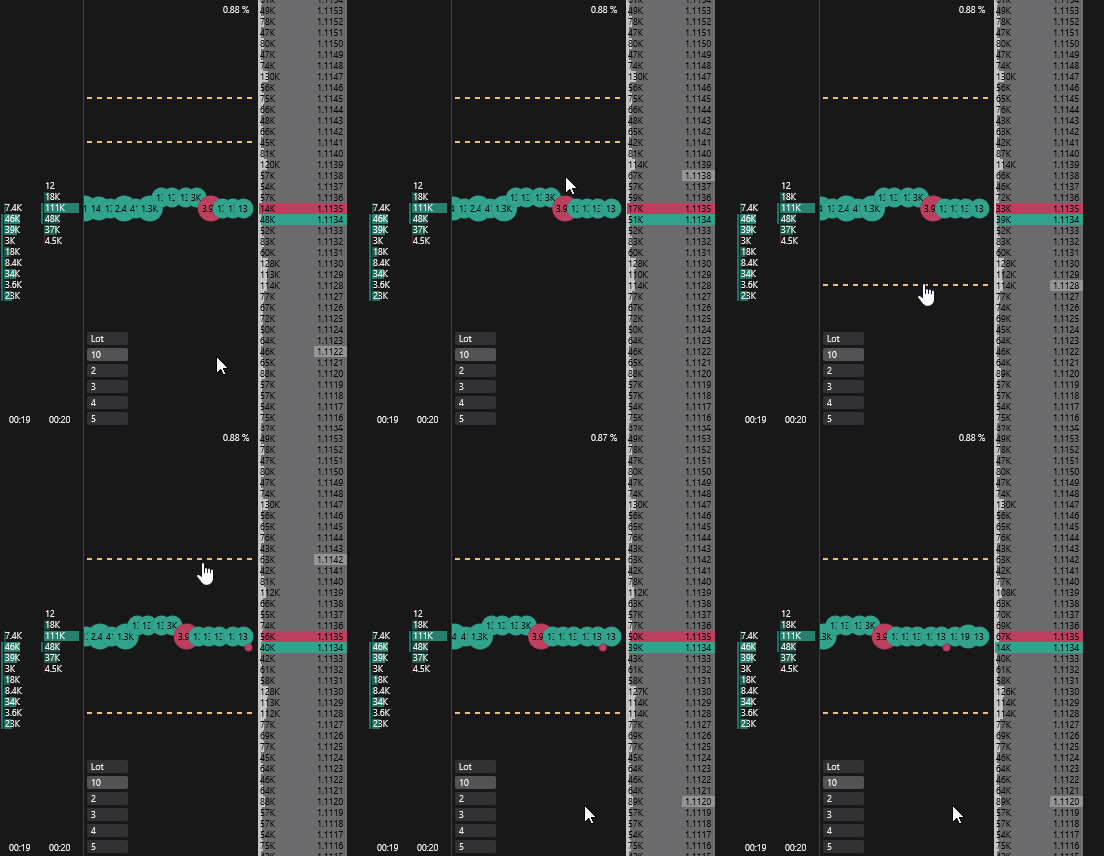
Level manager
In the level manager you can see all levels of the symbol, set the exact price, line color and width, and choose the alert sound.
You can open the manager in two ways:
- right-click anywhere in the tape area and select Levels;
- double-click a level line in the tape area — the manager opens on that level.
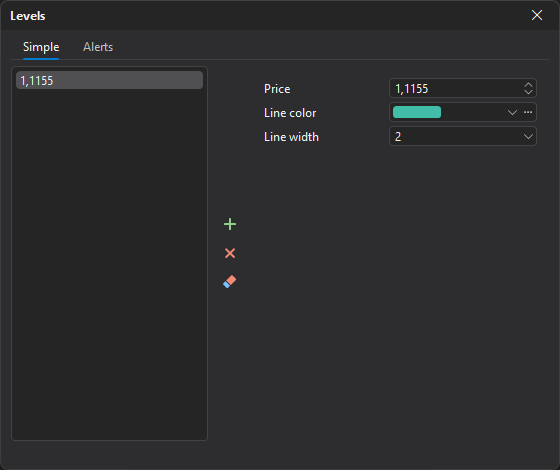
Levels are grouped into tabs:
- Simple
- Alerts
The left side of the window lists the symbol’s levels. Select a level in the list to open its parameters on the right side of the window.
| Field | Description |
|---|---|
| Price | Price at which the level is set. |
| Line color | Color of the level line. |
| Line width | Width of the level line. |
| Sound | Alert levels only: the sound played when the price reaches the level. |
Buttons next to the list:
- Add — creates a new level; enter its price on the right side of the window;
- Delete — deletes the selected level;
- Delete all — deletes all levels on the current tab.