Market orders
A market order is executed immediately at the best available order book prices. Use it when entering or exiting right now matters more than getting an exact price: for example, so as not to miss the start of a move or to close a position quickly. The order size is the current order size selected in the window.
With hotkeys
- Buy market — market buy order;
- Sell market — market sell order.
Both keys are assigned by default and act without confirmation — see Order book hotkeys.
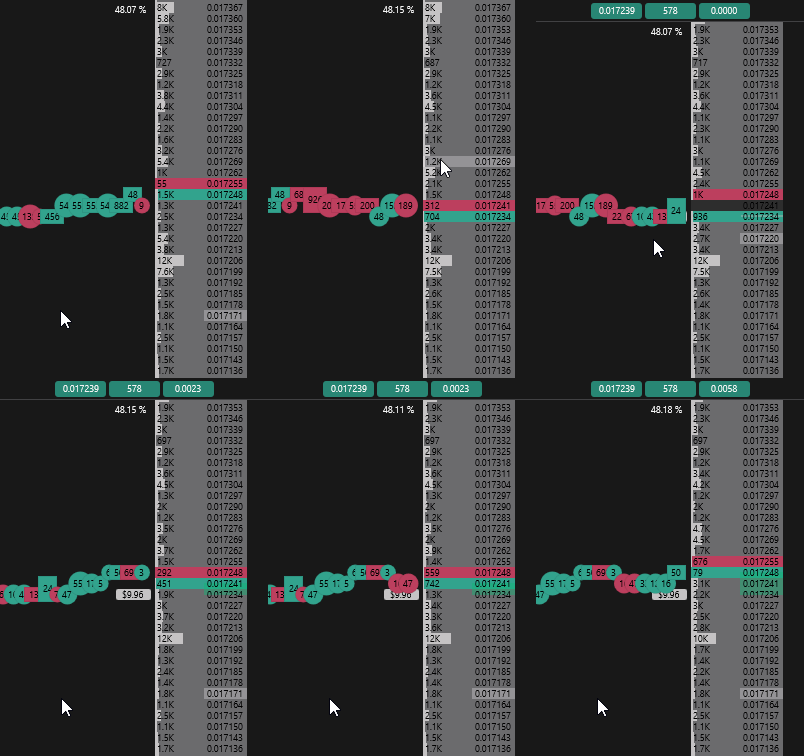
With the mouse
Market orders are placed with the mouse in the Left click: market order, right click: limit order and Left click: limit order, right click: market order modes: a click below the middle of the spread buys, above — sells.
In the default Left click: buy, right click: sell mode, a left click above the spread (or a right click below the spread) is also filled immediately, but as a limit order — no worse than the clicked price.
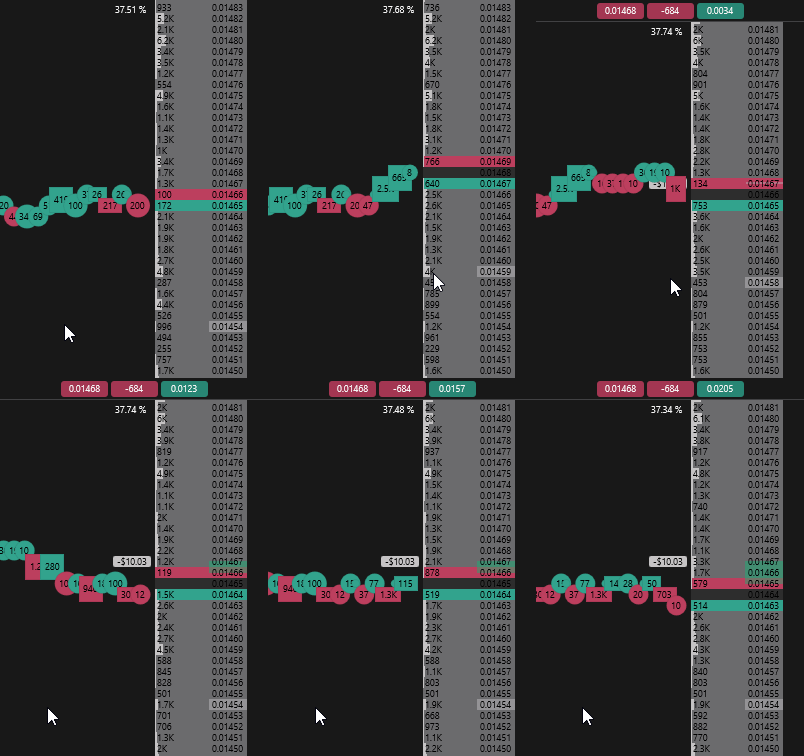
All mouse modes are described in Mouse trading.