Global chart settings
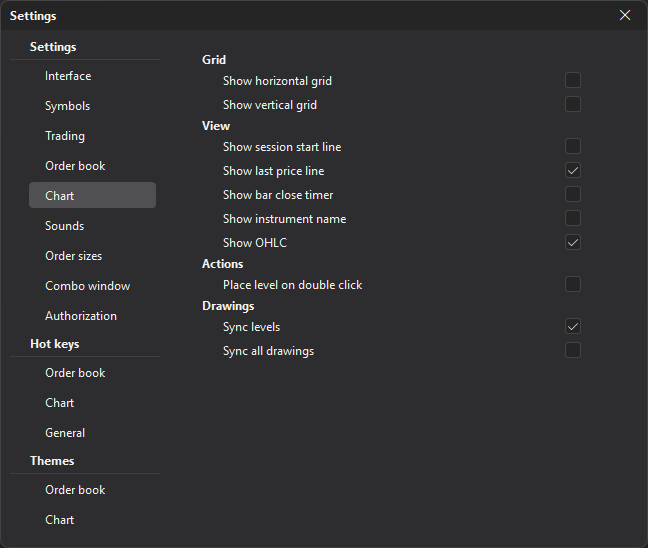
The Chart section sets global settings that apply to all new and already open charts, unless overriding the global settings is enabled for a specific window.
| Group | Description |
|---|---|
| Grid | Horizontal and vertical grid. |
| View | Session start line, last price line, bar close timer, the symbol name (Show instrument name), OHLC. |
| Actions | Placing a level by double-clicking. |
| Drawings | Synchronization of levels (Sync levels) and of all drawings (Sync all drawings). |
Synchronizing levels and drawings is convenient if you work with several charts of the same symbol or with different timeframes.
Last updated on