JetScalp screener
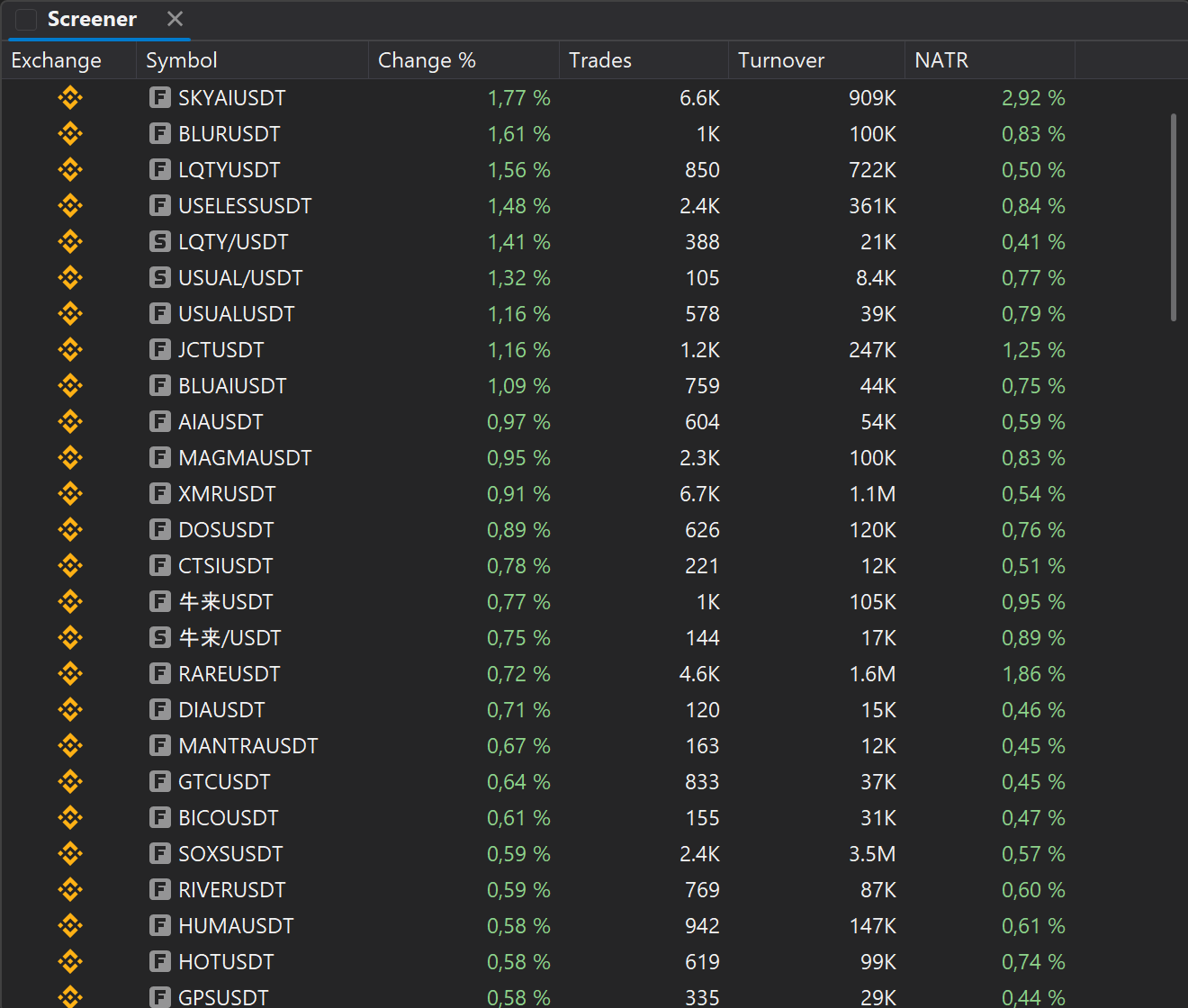
A screener for finding active instruments
The JetScalp screener helps you quickly find instruments with interesting activity, sort them by the parameters that matter and jump straight to analysis in the chart or the order book.
FEATURES
01
15 crypto exchanges and MOEX
Futures and spot of every exchange are switched on separately, with crypto and the Moscow Exchange in one list.
02
Change, turnover, trades, NATR
Four measures over 1, 5, 15 or 30 minutes: what is rising, where the turnover and trades are, where volatility is.
03
Range filters
From and to for each measure: drop illiquid instruments and keep the ones with real activity.
04
Sorting and limit
Leaders by change, turnover, trades or volatility, up to 500 rows.
05
Open on all exchanges
One click opens the instrument in the combo window: its order books on every exchange chosen in the combo window settings.
06
Linked terminal windows
Pick an instrument in the screener and the linked order book and chart switch automatically.
Who it is for
Whoever looks for today's movers every morning: from a screener row to the order book in one click.
FIRST STEPS
How to start working with the screener
- 01Open the screener window from the terminal menu.
- 02Choose the market or the instrument list.
- 03Set up columns, sorting and filters.
- 04Add important instruments to favorites.
- 05Link the screener with the order book and the chart for quick switching.
One screener for crypto and MOEX
Crypto exchange and MOEX instruments in one table. Set up columns, filters and sorting for your style, pick a row, and the linked order book and chart open the instrument at once.